
Holding Onto Memories
Saving Family Photos for the Future
PHOTOGRAPHY
4/7/20262 min read
Preserving the Past: Scanning Family Photos While Caring for the Originals
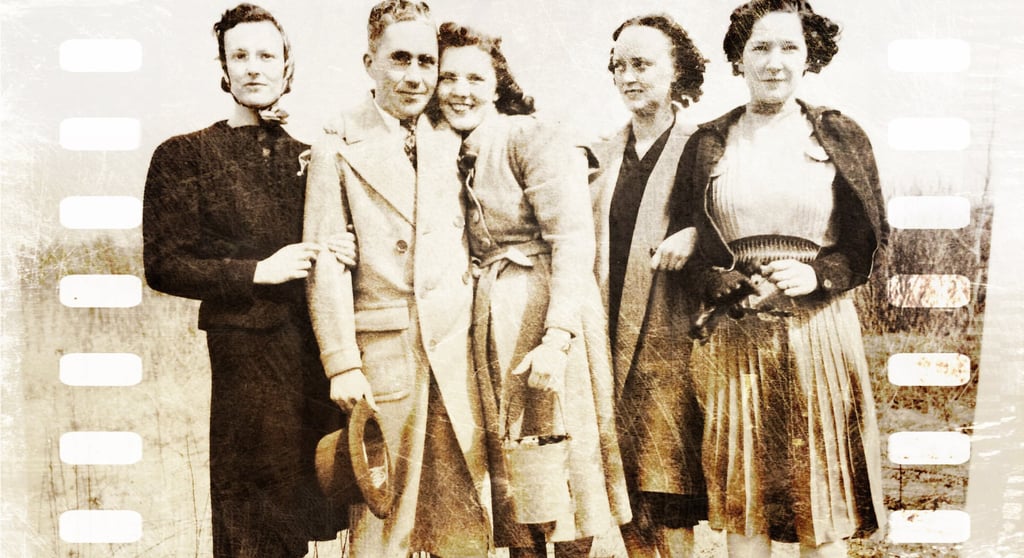
There’s something incredibly special about holding an old photograph in your hands.
The worn edges, the soft fading, the handwritten notes on the back—these aren’t just images. They’re pieces of your family’s story. Moments captured long before smartphones and cloud storage, yet still powerful enough to connect generations.
As time passes, those prints become more fragile. That’s why digitizing your family photos isn’t just a project—it’s a gift to the future. And just as important as scanning them is knowing how to care for the originals.
Let’s walk through both.
Why Digitizing Matters
Old photographs don’t last forever. Exposure to light, humidity, and everyday handling can slowly cause them to fade, discolor, or deteriorate.
By scanning your photos, you:
Preserve memories permanently
Make sharing easy with family near and far
Create backups in case of loss or damage
Organize your history in a meaningful way
A digital archive ensures those moments live on—without risking the originals.
Getting the Best Scan
You don’t need a complicated setup to get beautiful results, but a little care goes a long way.
Use a flatbed scanner if possible. It provides even lighting and better detail than photographing prints with a phone.
Scan at a high resolution:
300 dpi for general use
600 dpi or higher for archiving or enlargements
Choose the right format:
JPEG for easy sharing
TIFF for long-term, high-quality storage
Clean before scanning:
Gently remove dust with a soft, dry cloth or a blower. Avoid using liquids directly on the photo.
Organizing Your Digital Collection
Scanning is just the first step—organization is what makes your archive truly usable.
Create folders by:
Family names
Years or decades
Events (weddings, holidays, etc.)
Rename files with meaningful titles like:
“Smith_Family_Christmas_1962.jpg”
And don’t forget to back everything up:
External hard drive
Cloud storage
A second backup (just in case)
Caring for the Original Prints
Once your photos are digitized, the originals still deserve thoughtful care.
Handle with clean, dry hands or wear cotton gloves for very delicate prints.
Store them properly:
Use acid-free boxes or albums
Keep photos in sleeves made of archival-safe materials
Avoid stacking them loosely in drawers or bins
Control the environment:
Cool, dry, and dark is best
Avoid basements (humidity) and attics (heat)
Keep away from direct sunlight
Don’t write directly on photos with regular pens or markers. If you need to label them, use a soft pencil on the back or label the storage sleeve instead.
Restoring and Enhancing (Gently)
Digital copies give you the option to enhance or restore images without altering the original.
You can:
Adjust brightness and contrast
Repair minor damage digitally
Convert black-and-white images to color (if desired)
Just remember—keep an untouched original scan as your master file.
A Legacy Worth Protecting
Taking the time to scan and preserve family photographs is more than a practical task—it’s a meaningful act of care.
You’re not just organizing images. You’re safeguarding stories. You’re making sure that the faces, places, and moments that shaped your family don’t fade away with time.
And maybe, as you sort through those photos, you’ll find yourself lingering a little longer—remembering, reconnecting, and seeing your history with fresh eyes.
Final Thoughts
Start small. One box, one album, one afternoon.
Each photo you scan is one more memory preserved, one more story saved.
Because in the end, these aren’t just pictures.
They’re pieces of who you are—and they deserve to last.